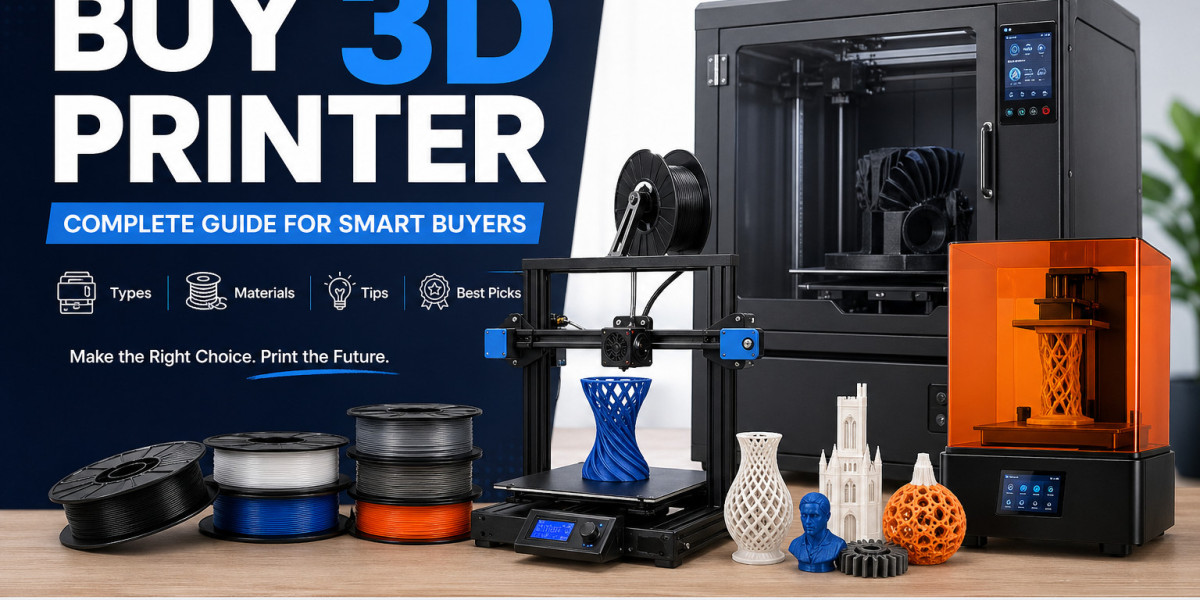

The demand for 3D printing is booming. From hobbyists to manufacturers, more people are looking to buy a 3D printer to create custom products, prototypes, and even end-use parts.
But with so many options—FDM, resin, industrial machines—it’s easy to feel overwhelmed.
This guide breaks everything down in simple terms so you can make a confident, informed purchase—whether you're a beginner or scaling a business.
Why Buy a 3D Printer in 2026?
3D printing is no longer niche—it’s mainstream.
- The global 3D printing market is expected to exceed $60 billion by 2030
- Over 70% of manufacturers now use additive manufacturing in some capacity
- Desktop printers have become affordable, precise, and user-friendly
Owning a 3D printer allows you to:
- Create custom products on demand
- Reduce manufacturing costs
- Prototype ideas quickly
- Start a side business or scale production
Types of 3D Printers You Can Buy
Choosing the right type is the first step.
1. FDM (Fused Deposition Modeling) Printers
Best for beginners and general use.
- Uses filament 3D printer technology
- Works with thermoplastics like PLA, ABS, PETG
- Affordable and easy to maintain
Ideal for: hobbyists, students, small businesses
2. Resin (SLA/DLP) Printers
Perfect for high-detail prints.
- Uses liquid resin cured by UV light
- Produces smooth, precise finishes
- Requires post-processing
Ideal for: jewelry, dental models, miniatures
3. Industrial 3D Printer Systems
Designed for heavy-duty production.
- Uses advanced 3D printing materials like metal, nylon, carbon fiber
- High speed and precision
- Expensive but scalable
Ideal for: manufacturing, aerospace, automotive
Key Factors to Consider Before You Buy a 3D Printer
Build Volume
How big are your prints?
- Small: < 150mm (miniatures)
- Medium: 150–300mm (general use)
- Large: 300mm+ (industrial parts)
Material Compatibility
Different printers support different materials.
Common 3D printing materials include:
- PLA (eco-friendly, beginner-friendly)
- ABS (strong, heat-resistant)
- PETG (durable and flexible)
- Resin (high-detail output)
- Nylon & carbon fiber (industrial strength)
Print Quality & Resolution
Measured in microns.
- Lower microns = higher detail
- Resin printers offer the best precision
Ease of Use
Look for:
- Auto bed leveling
- Touchscreen interface
- Plug-and-play setup
Cost Breakdown
| Category | Price Range |
|---|---|
| Entry-level | $150 – $400 |
| Mid-range | $400 – $1,000 |
| Professional | $1,000 – $5,000 |
| Industrial | $5,000+ |
Filament vs Resin: Which Should You Choose?
Filament 3D Printer
- Affordable
- Easier to maintain
- Wide material options
Resin Printer
- Superior detail
- Smooth finish
- Higher operating cost
Quick Tip:
If you're just starting, go with a filament printer. Upgrade to resin when you need precision.
Best Use Cases for 3D Printing
Home & Hobby
- DIY projects
- Replacement parts
- Toys and models
Business & Entrepreneurship
- Custom products
- Etsy or eCommerce stores
- Rapid prototyping
Industrial Applications
- Functional prototypes
- Tooling and jigs
- End-use parts
Companies using industrial 3D printers report up to 50% reduction in prototyping costs.
Common Mistakes to Avoid
- Buying too cheap
Low-cost printers often require upgrades and repairs. - Ignoring material compatibility
Not all printers support advanced filaments. - Overlooking maintenance
Regular calibration is essential. - Choosing the wrong size
Bigger isn’t always better—match your needs.
Table Idea (For Visual Content)
Title: “Comparison of 3D Printer Types by Use Case”
Columns:
- Printer Type
- Cost
- Print Quality
- Material Compatibility
- Best For
This table helps users quickly decide which printer suits their needs—ideal for featured snippets and SEO.
How to Choose the Right 3D Printer (Quick Checklist)
- Define your purpose (hobby, business, industrial)
- Set a realistic budget
- Choose between filament or resin
- Check material compatibility
- Read reviews and performance tests
- Ensure spare parts availability
Future Trends in 3D Printing
- AI-powered print optimization
- Faster printing speeds (up to 10x improvements)
- Sustainable and recyclable filaments
- Expansion of industrial 3D printer adoption
Staying ahead of these trends ensures your investment remains valuable.
FAQs About Buying a 3D Printer
1. What is the best 3D printer for beginners?
A filament-based (FDM) printer is the best choice due to affordability, ease of use, and wide material support.
2. How much does it cost to run a 3D printer?
Operating costs are low. Filament typically costs $15–$30 per kg, and electricity usage is minimal.
3. Is 3D printing profitable?
Yes. Many small businesses earn through custom printing services, product sales, and prototyping.
4. What materials can I use in a 3D printer?
Common options include PLA, ABS, PETG, resin, and advanced industrial materials like nylon and carbon fiber.
Conclusion: Make the Right Choice Today
Buying a 3D printer is more than a purchase—it’s an investment in creativity, innovation, and future-ready manufacturing.
Whether you're a hobbyist experimenting with designs or a business aiming to scale production, the right printer can transform your workflow.
Take time to evaluate your needs, understand materials, and choose a reliable machine with strong support and spare parts availability.
Ready to Buy a 3D Printer?
Explore high-quality printers, premium filaments, and custom 3D design services at Arkaki Shop.
Start building, creating, and innovating today with the perfect 3D printing solution tailored to your needs.