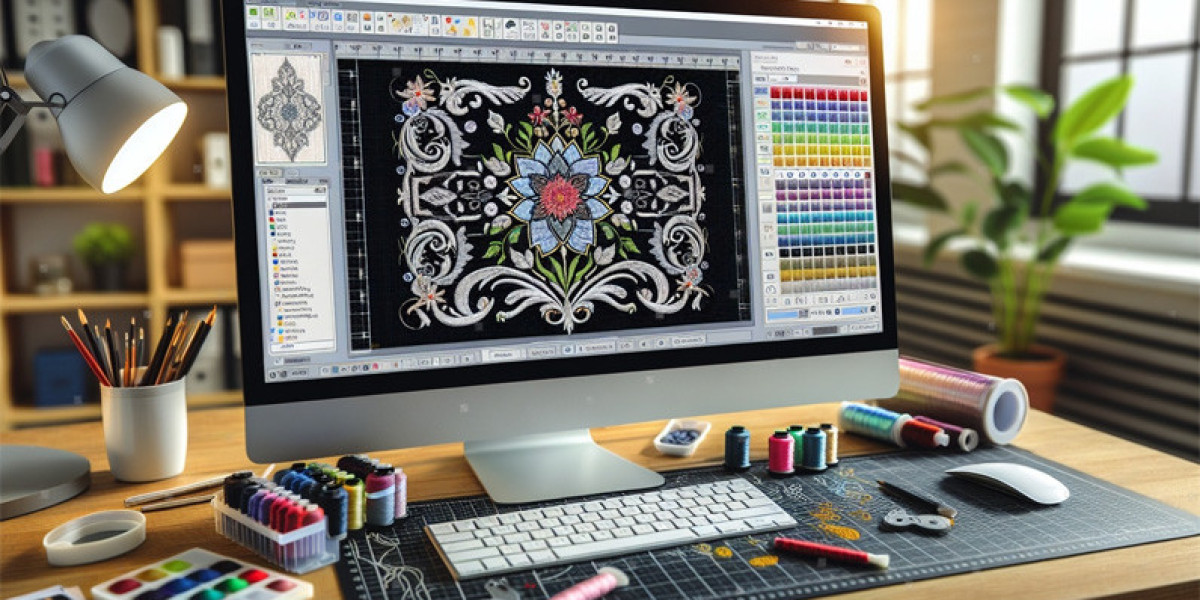

You’ve just downloaded your first embroidery design, excited to load it onto your machine, and you’re faced with a dropdown menu of confusing three-letter extensions: .PES, .DST, .EXP, .JEF. Choosing the wrong one means your expensive embroidery machine won’t have a clue what to do. This alphabet soup isn't random—it's the specific language your machine needs to speak. Understanding the Embroidery File Format is the fundamental key to unlocking your machine's potential. Each format is a unique dialect, built for different brands and purposes. This guide will demystify the most common formats, explain exactly what they’re used for, and give you the confidence to pick the right one every single time.
The Core Concept: It's a Language, Not a Picture
First, let's clear up a major misconception. An embroidery file is NOT an image. You can’t take a JPG, rename it to .PES, and expect it to work. Instead, these files are intricate sets of coded instructions—like a detailed recipe or a musical score for your machine.
When a design is digitized, the software writes a long list of commands:
“Move the needle to coordinate X, Y.”
“Take a stitch 0.4mm long.”
“Trim the top thread.”
“Change to color #3.”
“Jump to the next section.”
An Embroidery File Format is the specific “language” or “file type” used to write these commands. Each major machine manufacturer developed its own proprietary format to communicate with its hardware. While they all tell the machine to stitch, they say it in structurally different ways.
The Household Names: Formats for Home & Hobby Machines
These are the formats you'll most often search for as a home embroiderer or small business owner.
1. .PES (Brother / Babylock)
Primary Machine: Brother and Babylock home/hobby and some commercial machines.
What You Need to Know: This is arguably the most sought-after format for hobbyists, thanks to Brother's massive market share. The .PES format is native to Brother machines. Babylock machines, often sister companies to Brother, also use it. If you have a Brother, this is your go-to file. It often contains extra information like thread color charts.
2. .JEF / JEF+ (Janome)
Primary Machine: Janome home/hobby embroidery machines.
What You Need to Know: Janome is another giant in the home sewing market, making .JEF files very common. This is the native format for Janome's embroidery line. Always check your specific model's manual, as some newer machines may use updated versions (JEF+).
3. .VP3 / .HUS (Husqvarna Viking / Pfaff)
Primary Machine: Husqvarna Viking and Pfaff home/hobby machines.
What You Need to Know: This format serves the high-end Husqvarna Viking and Pfaff ecosystems. .VP3 is very common, while .HUS is also used. These brands are known for their sophisticated home machines, and their format supports detailed project information.
4. .XXX (Singer)
Primary Machine: Older Singer embroidery machines and some Compucon systems.
What You Need to Know: This is a legacy format that remains crucial for owners of classic Singer embroidery machines. Many design libraries still offer .XXX files to support this long-standing user base.
The Industry Standard: Formats for Commercial Embroidery
This is the world of high-volume production, where reliability and universality are everything.
1. .DST (Tajima)
The Undisputed King of Commercial.
Primary Machine: Commercial Tajima machines and virtually every other industrial brand (Barudan, Happy, ZSK).
What You Need to Know: Developed by Tajima, the .DST (Data Stitch Tajima) format became the universal language of the factory floor. It's a lean, efficient format focused purely on stitch data, trims, and color changes. If you're sending a file to a professional embroidery shop or running an industrial machine, you will almost certainly use a .DST file. It's the .PDF of the embroidery world.
2. .EXP (Melco)
Primary Machine: Melco brand commercial machines and some Brother commercial models.
What You Need to Know: .EXP is the native format for Melco machines, which are extremely popular in the custom apparel, signage, and small-to-mid-sized production market. Any professional digitizer will provide .EXP alongside .DST.
The Magic of Multi-Format Packs: Your Best Friend
Here is the single most important tip for any embroiderer: Always look for or request a "Multi-Format" pack.
Reputable digitizers and design stores never sell just one format. They provide a ZIP folder containing the same design saved in 10-15 different formats (.PES, .DST, .EXP, .JEF, .XXX, .VP3, .HUS, etc.).
For You: It means you simply find the file extension that matches your machine. No conversion needed.
For the Future: It future-proofs your purchase. If you upgrade from a Brother (.PES) to a Janome (.JEF) in five years, you already own the correct file. You never have to buy the design again.
Special File Types: Project vs. Stitch Files
You might also encounter files that serve specific purposes:
.EMB, .PXF, .PCS: These are often project files for specific software (like Wilcom .EMB or Pfaff .PXF). They contain editable design information—stitch types, colors, layers—and are meant to be opened in digitizing software, not sent directly to a machine. You usually export a .DST or .PES from these files.
.PDF: Often included in a design pack as an instruction sheet for the human, not the machine. It shows a picture, size, and thread colors.
What to Do If You Have the Wrong Format
You found the perfect design, but it's only in .DST and you have a Janome (.JEF). Don't panic.
Check the Download: Did you accidentally download a single format instead of the multi-format pack? Go back and look.
Contact the Seller: Politely ask if they can provide the design in your needed format. Most digitizers keep source files and can export a new format quickly.
Use Conversion Software: Standalone programs and some machine software can convert between formats (e.g., from .DST to .PES). Critical Warning: These tools only translate the existing stitch data. They cannot fix a badly digitized design. A poor .DST will become a poor .PES.
Your Simple Action Plan to Never Be Confused Again
Identify Your Machine's Language: Check your manual or do a quick web search for “[Your Machine Model] embroidery file format.”
Always Choose Multi-Format: When buying designs, download the pack that includes a dozen formats.
Organize Your Library: Store all the formats you receive together in a project folder. You might only need .PES now, but having the .DST could be invaluable later.
When in Doubt, Ask: If you're commissioning a custom design, simply tell the digitizer your machine brand and model. They will send you the correct file.
Conclusion: Your Passport to the World of Designs
Think of Embroidery File Formats as your passport stamps. You need the right one to enter your specific machine's country. While the list seems intimidating, it ultimately boils down to a simple matching game.
By understanding that .PES talks to Brother, .JEF pleases Janome, and .DST runs the commercial world, you remove a major technical barrier. Your focus can shift from "will this work?" to the creative joy of watching your chosen design stitch out perfectly. So, find your format, load up your hoop, and get stitching—your machine is waiting, and now you finally speak its language.


